
3 ways to improve battery life with ArkOS

I LOVE my RGB20sx gaming handheld clone that I got for Christmas a few years ago. It plays everything I want to, it has good performance, and, with the addition of a 3D printed backplate, It is super portable.
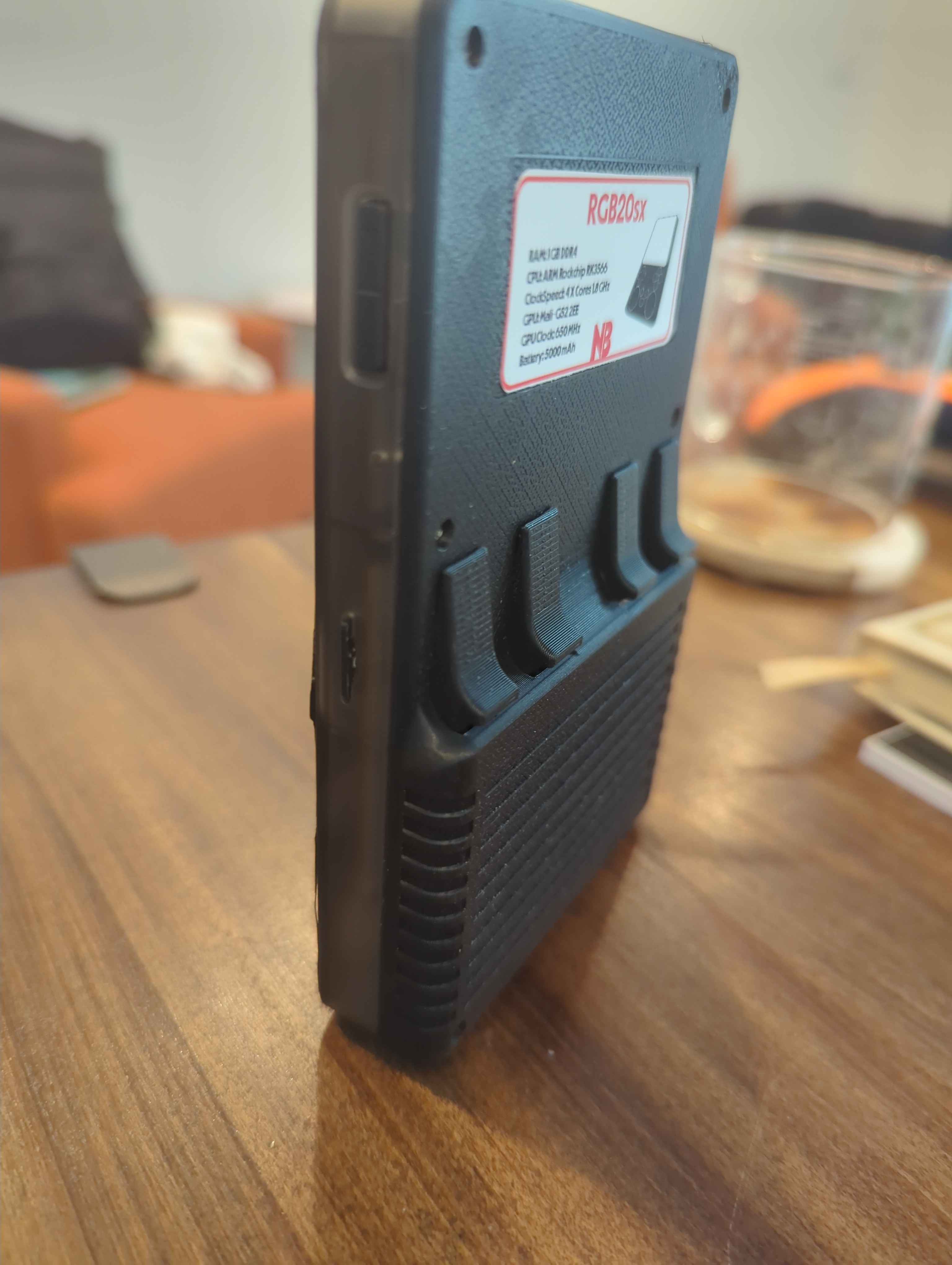
Yes, it's great but it has one flaw. The battery life out of the box is Terrible.
Here are the methods and settings I use to get the most performance out of this little thing.
1. Fully power off
This sounds stupid, but if I don't plan on using it, I turn it all the way off. The standby mode (short press the power button) drains the battery way too fast. Just shutting the device all the way off when not in use can save a tremendous amount of battery.
There are 2 ways to shutdown the device. The easiest way is to hold the power button until the green LED turns off. The second way is to press START, navigate to QUIT, then press SHUTDOWN.
2. Change emulator governor to Power save
I don't recommend this on newer emulators, like PS1, NDS, etc. But you can squeeze more battery out by changing the emulator governor from performance to power save.
Press SELECT in the main menu, click on Emulator Settings and click the system that you want to edit. Change the Governor to 'POWERSAVE' and save the changes.
3. Undervolt the CPU
This may crash the system. Be careful and have a computer on standby if you need to revert.
This changes the amount of power that the CPU gets, and makes a pretty big difference on the battery life, without hurting performance. I have only tested this with 'LIGHT' undervolting. Please be careful mucking around with this.
Press START, go to ADVANCED SETTINGS and scroll to the bottom and locate CPU UNDERVOLT. Set this to LIGHT. The device should restart after making the change.