Exploring Gimp 3
I have been using the image processing software known as GIMP (GNU Image Manipulation Program) since I was but a wee lad. For nearly a decade now, I have known just enough about how to use it to crop and resize images, add text, and do basic drawing. I knew that I wanted to learn about all of the capabilities it has to offer one of these days, but the days kept on going and I never really got around to it.
.... UNTIL NOW!
I spent a while day just messing around with different tools and filters just to understand what they do. To be clear, this is not a tutorial by any means. I still don't really know what it is that I'm doing, but I now know more about what I don't know, and isn't that worth knowing?
Yeah so anyway, here are some of the cool things that I figured out.
Fractals and Kaleidoscopes
There are some pretty cool generative filters, like the fractal fill, which takes an image and makes it all fractaly. I enjoyed the way it looked after passing it through the generator a few times, then hit it with the Kaleidoscope filter when it was somewhere I liked. At this point, the initial image (pictured here) was unrecognizable and now the image more closely resembled some gaudy ass princess dress up ring.
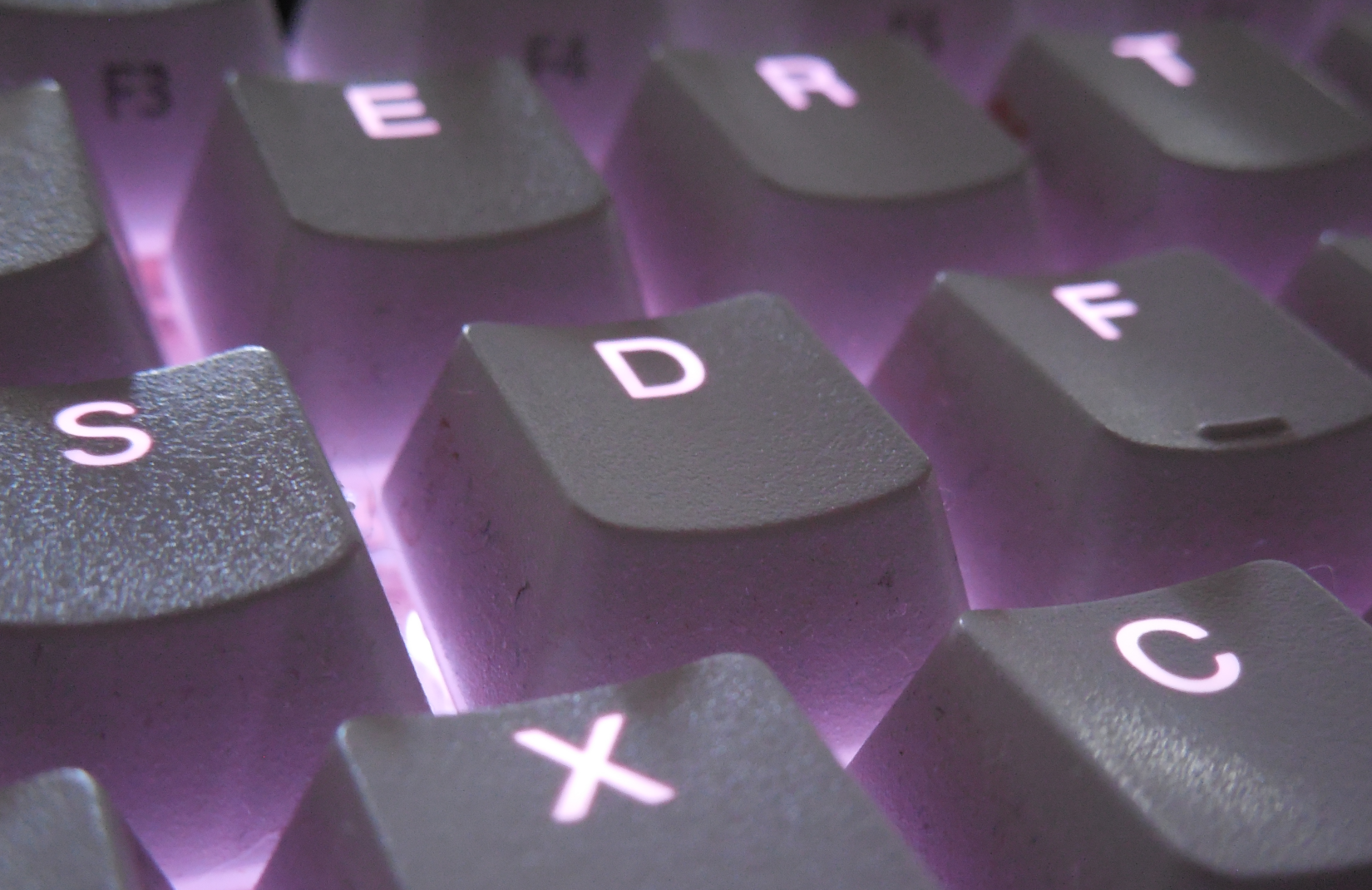
I finished this with a pass of focus blur to highlight the center and give it a more "small gem" feel and I am really impressed with the results. I don't know what I would use this for, but considering that this was made from a picture of my dirty white keys on my keyboard, it looks pretty cool.
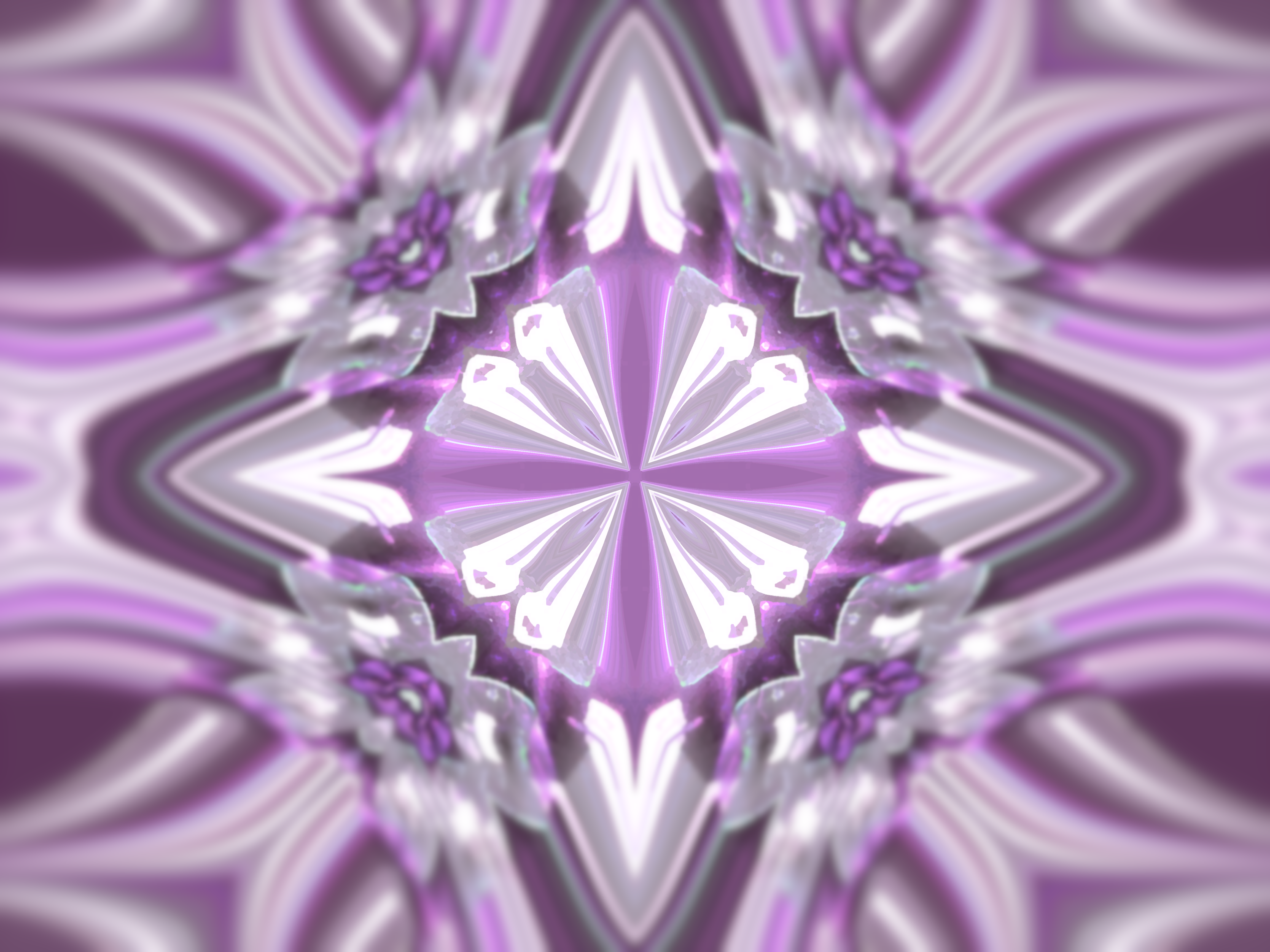
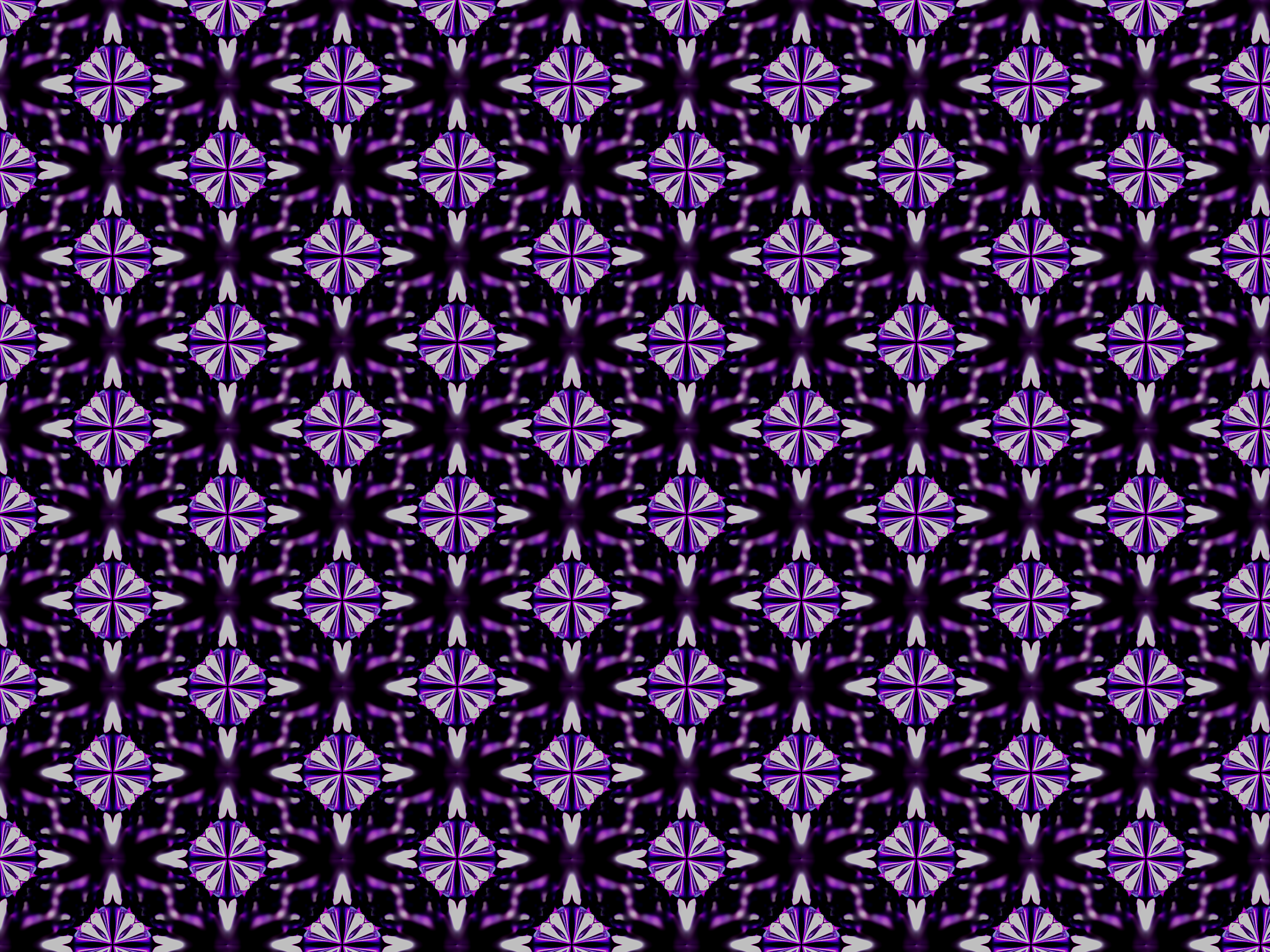
Finally, using the Tiling filter, you can easily make repeating patterns that look great!
Mixing different filters
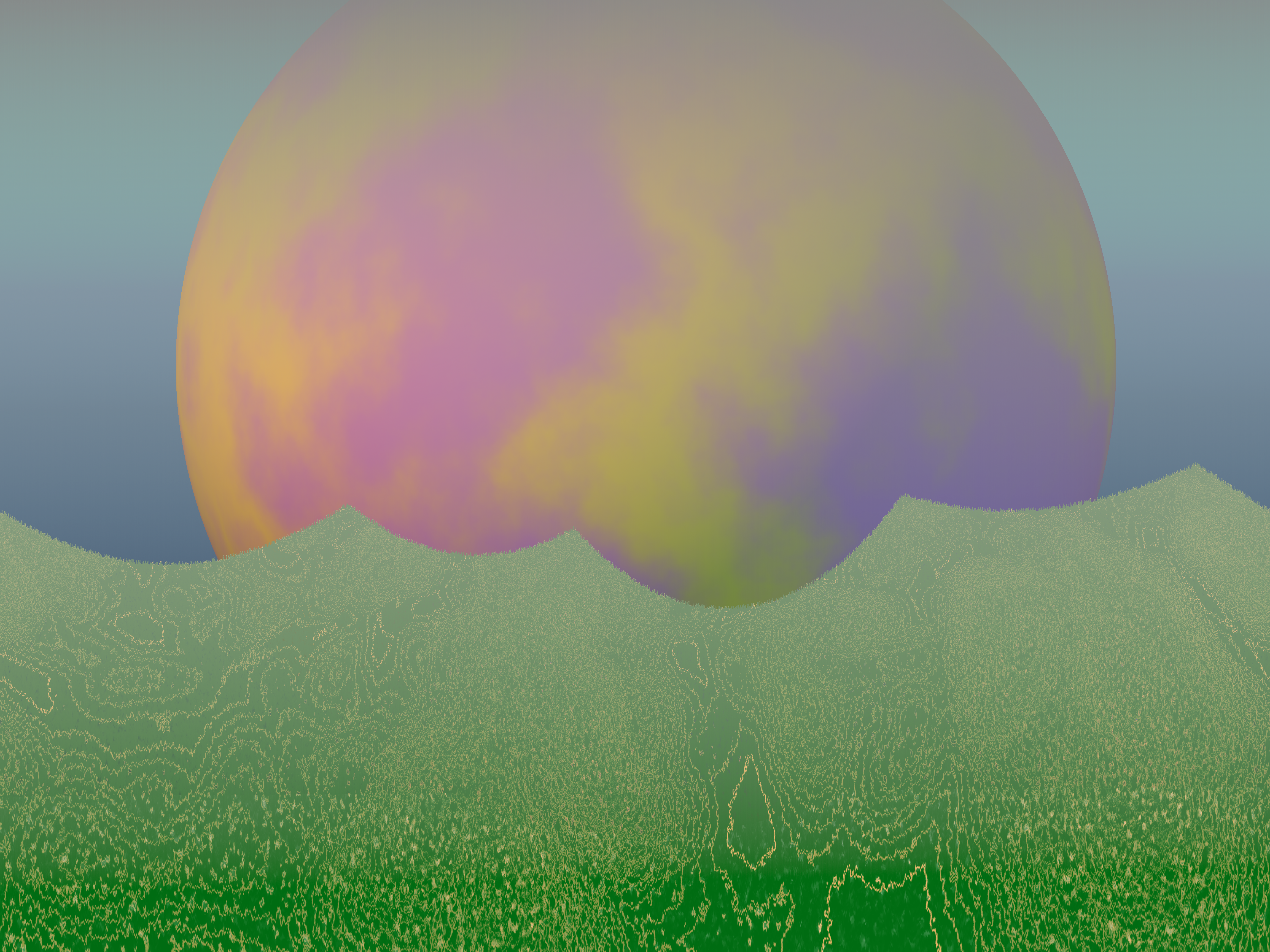
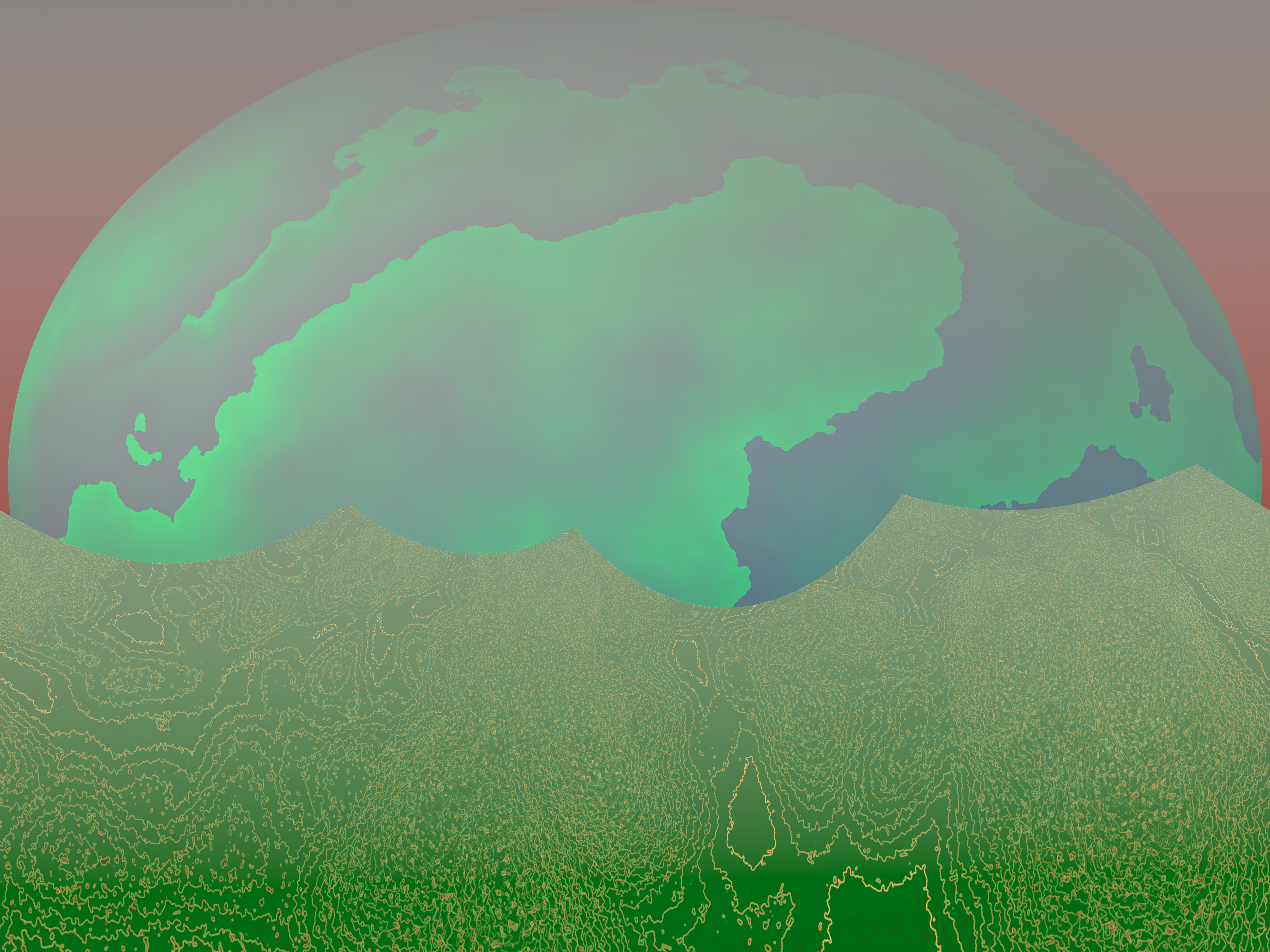
Spurred on by my insatiable hyperfixation on the filters tab, I started clicking around and ended up creating a landscape by generating a lava image then running a projection filter. I then used the sphere generator to add a cool looking planet in the background. Finally, I added a fog using the gradient tool to give it some depth, as well as add a sky behind it all.
Globe Generator
The sphere maker in the last project got me all excited. I like making worlds, so why not take that to the next level?
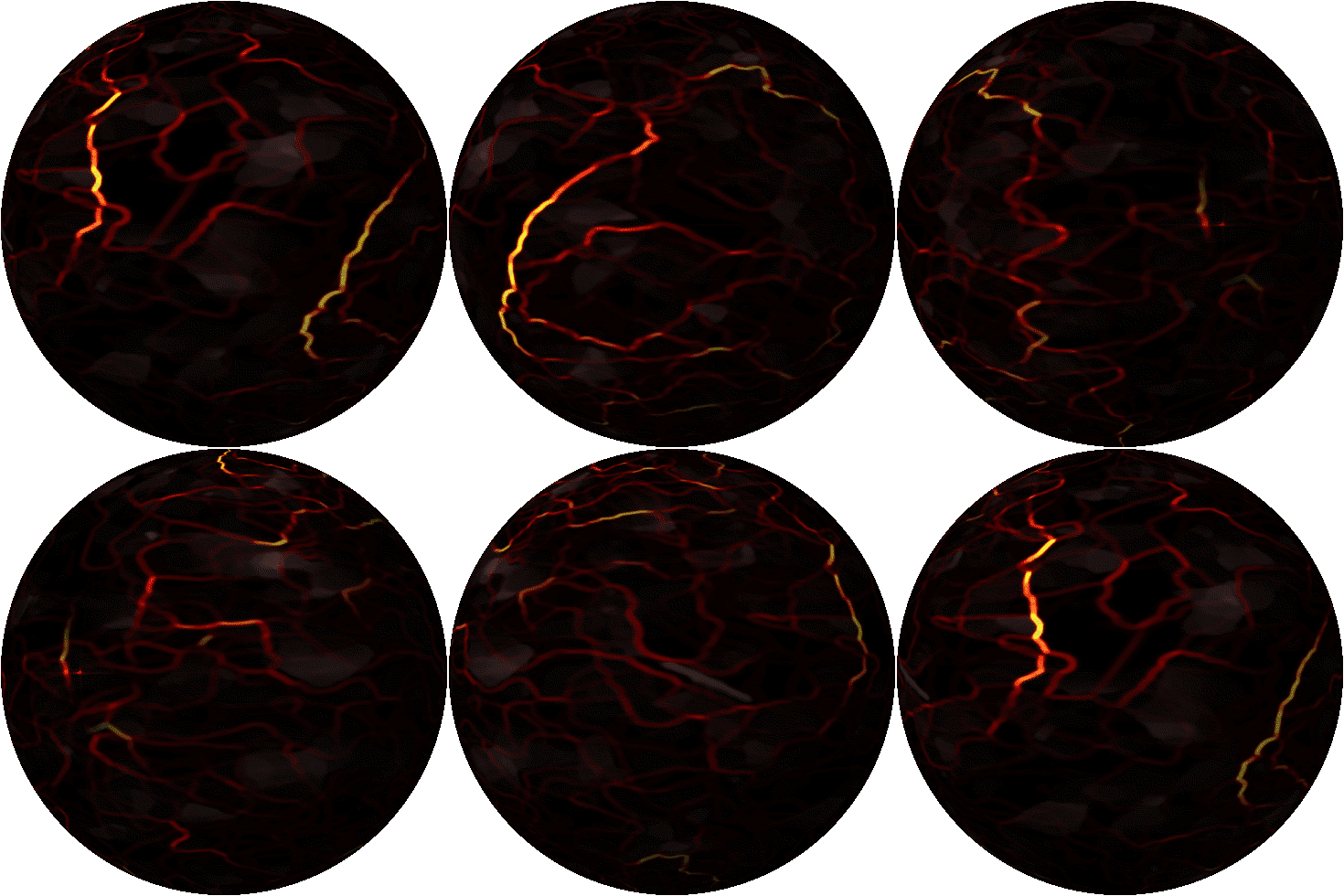
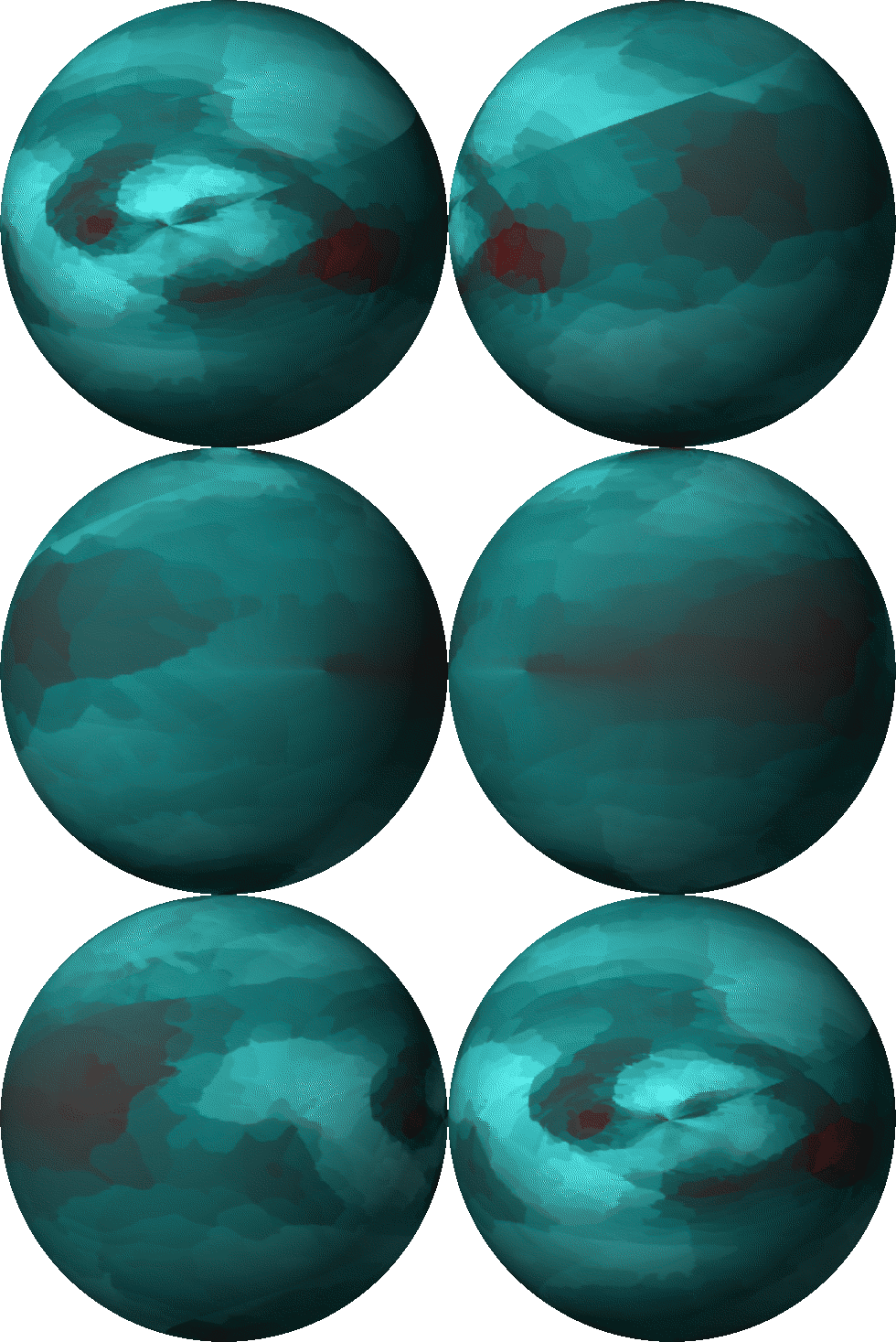
In the animation filters, there is an option to turn the current layer into an animated sphere. I used a couple different filter tools to make a basic square texture, then I used the sphere animation tool. I did 30 frames at 24 fps and the results are really, really fun. Honestly, I don't see much practical use with this tool, but I still am glad that I tested it out.
Community Plugins
GIMP has a strong community and good APIs, so building plugins is pretty easy. I tried a couple out and I am so glad that I did.
(Update: as of version 3.2, these are broken, this literally just happened as I was writing this. I am really hoping they will be fixed soon.)
AI Upscale
Plugin used: GitHub - Nenotriple/gimp
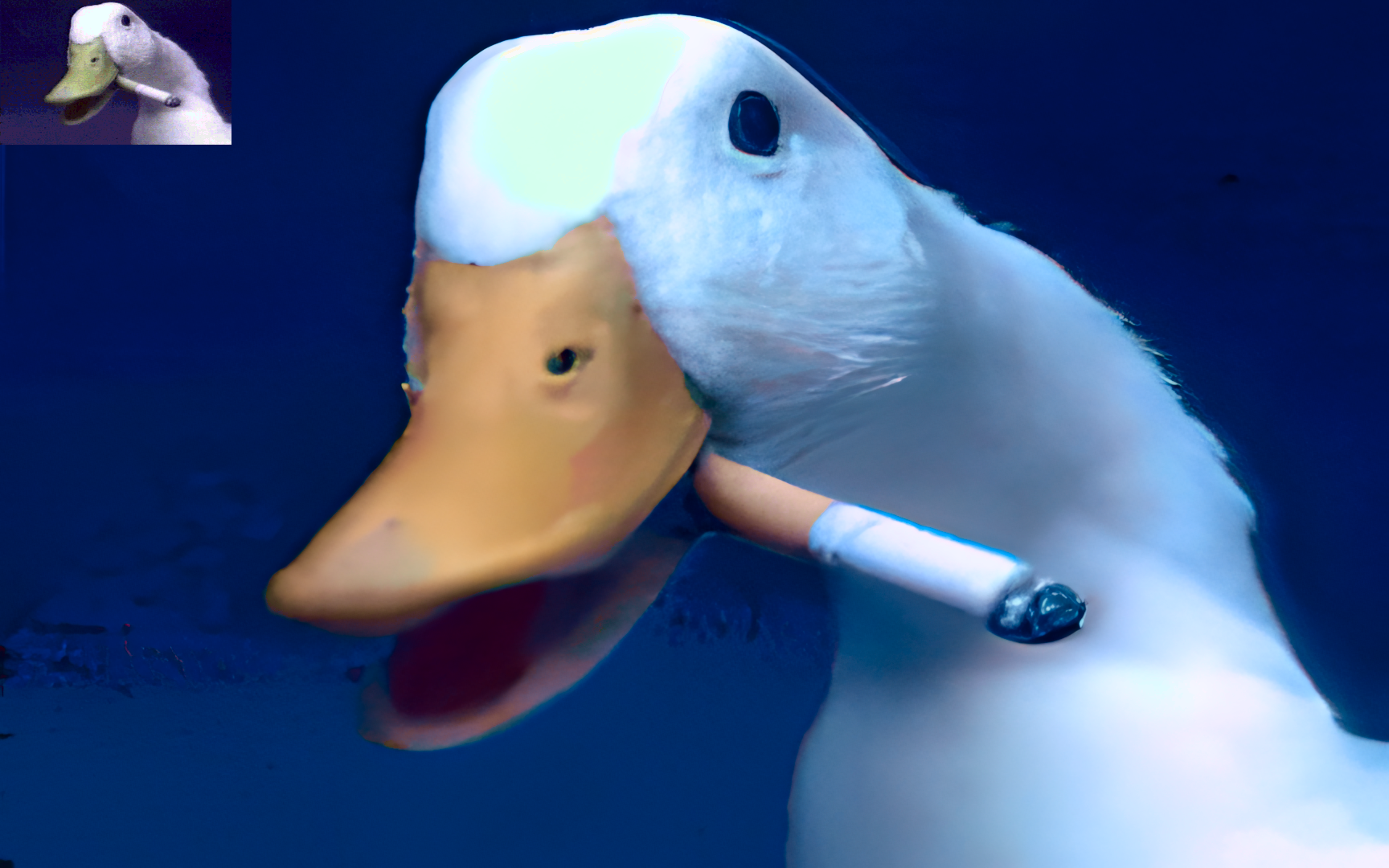
This tool uses good old fashioned machine learning to fill in details of small images. To test it, I found this picture of a duck from 1993. The original dimensions are hilariously primitive, and the blown up image still looks very good. It has some weird artifacting, but for what I do, it's not that big of a deal.
Background Remover
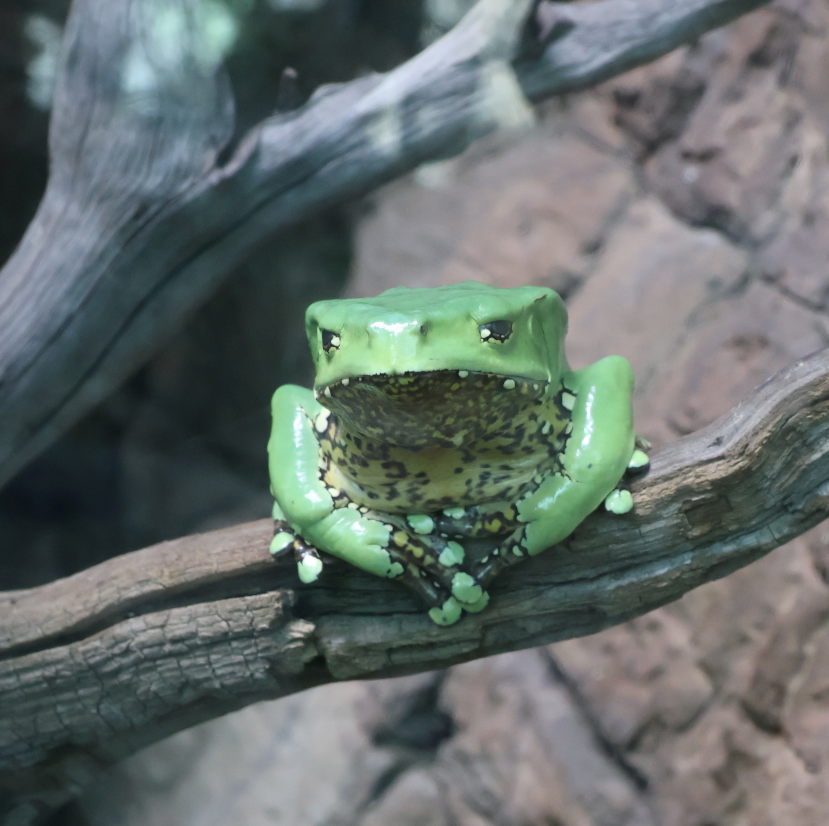
Removing backgrounds is one of my most frequent uses of GIMP and one of the single most annoying things that I have to do. so, imagine my joy when I found a plugin that would do that automatically.
This worked fine for most uses, and while it isn't 100% perfect, it will still save me hours of my life.
Before:
After: